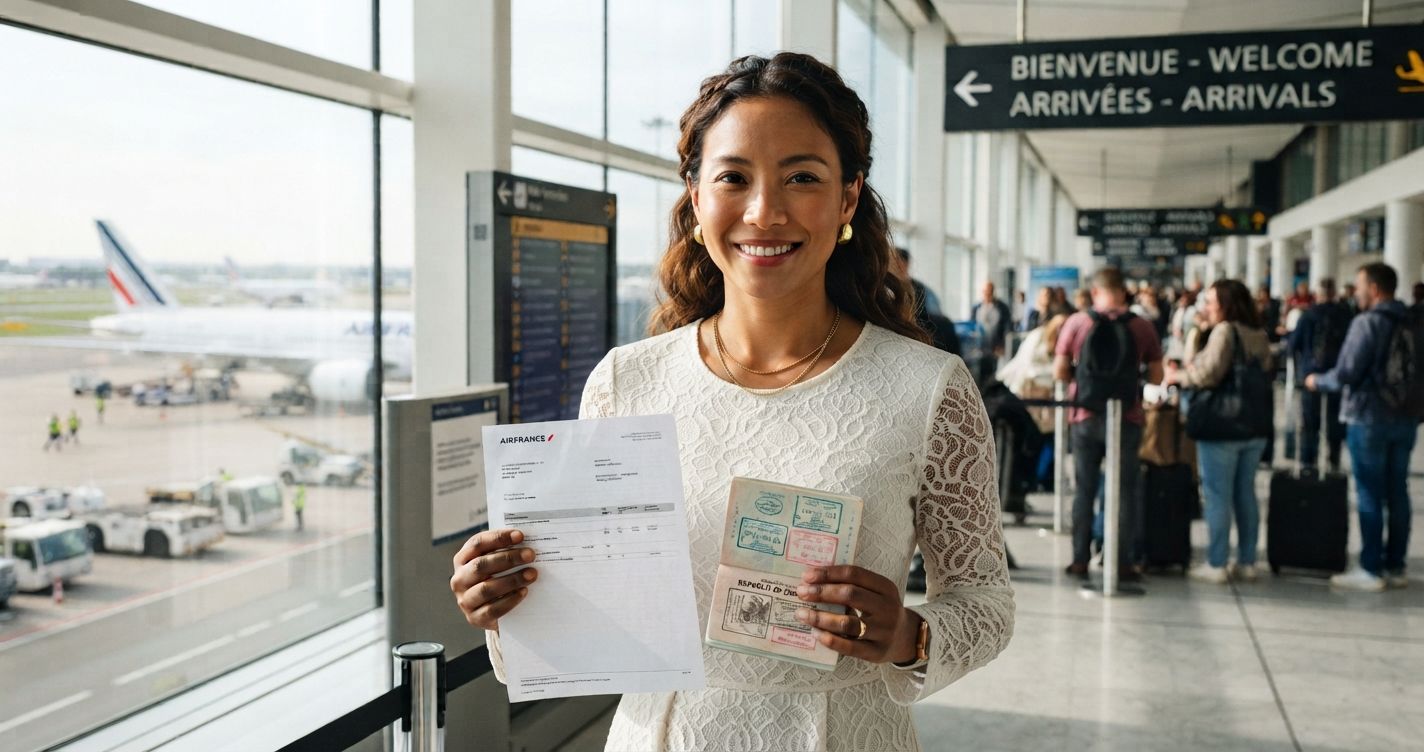
A flight itinerary sample for visa shows your name exactly as in your passport, a six character booking reference, the airline and flight numbers, your route, dates and times, and the booking class. It has no e-ticket number, because e-ticket numbers are only issued for fully paid tickets. The dates should match your hotel booking, travel insurance and application form.
What should a flight itinerary for a visa look like? Here is a sample explained section by section, the mistakes that cause questions, and where to see our real samples.
Checklists ask for a flight itinerary but rarely show you what one should look like. This guide walks through a Flight Itinerary Sample for Visa section by section, explains what each detail means, and shows the mistakes that cause questions. You can also see our real samples before you buy.
What a Flight Itinerary Actually Contains
A flight itinerary for a visa application is usually a one or two page PDF. Whoever issues it, it should show these details:
| Section | Example | What it tells the officer |
|---|---|---|
| Passenger name | SMITH/JOHN MICHAEL MR | Who is travelling, matched to the passport |
| Booking reference | 6 characters, for example K7XQ2M | Identifies the booking |
| Airline and flight number | EK 203 | Which airline and which flight |
| Route | DXB to JFK | Where you depart and arrive |
| Dates and times | 20 NOV, 08:30 to 14:25 | When you arrive and leave |
| Class | Y (economy) | The booking class |
Passenger Name Block
Your full name exactly as in your passport, often in airline format: surname, a slash, then given names. Every middle name should be there, in the same order as your passport.
Booking Reference
Usually six letters and numbers. On a reservation with a live PNR, you can enter it with your surname on the airline website and see your flights while the booking is held.
Flight Number and Route
The airline's two letter code and the flight number, for example EK 203 or BA 038, with the departure and arrival airports and any connections. The flight should actually operate on that route and date.
Departure and Arrival Information
Each flight with its date and local times. For a round trip, the outbound and return flights appear one after the other.
No E-ticket Number
A reservation does not include an e-ticket number. E-ticket numbers are only issued for a fully paid, ticketed airline ticket, not for a temporary reservation or itinerary. That is normal for a visa itinerary.
A flight itinerary is not a boarding pass or an e-ticket. A boarding pass is issued at check-in, and an e-ticket number only exists once a fare is paid.

Need a flight reservation for your visa?
Live airline PNR, instant PDF, no full fare.
Why Each Element on the Sample Matters for Embassy Review
How the Passenger Name Gets Used
Officers compare it with your passport and with the name on your hotel booking, insurance and application form. A missing middle name or a typo is the most common avoidable problem.
How the Travel Dates Get Used
Your arrival should match your hotel check-in and the start of your insurance. Your departure should fall within the stay you are applying for. For Schengen, that means within 90 days in any 180 day period.
How the Route Gets Used
Your entry airport should make sense for the visa. For a Schengen visa, fly into the country you are applying through, or the country of your main stay.
How the Booking Reference Gets Used
It identifies the booking. Some checklists ask for a reservation whose reference can be verified, in which case you need a live airline PNR. See Do Embassies Verify Dummy Tickets?
What Makes a Flight Itinerary Sample Fail Embassy Review
| Problem | Why it causes questions | How to avoid it |
|---|---|---|
| Name does not match passport | First thing officers compare | Copy your passport name character by character |
| Flight does not exist | Made up flights stand out | Choose a real flight from live results |
| Dates do not match other documents | Dates are compared across your file | Use the same dates as hotel, insurance and form |
| Odd entry airport | Route should fit the visa | Fly into the country you are applying through |
| Edited or generated template | Details are invented | Use a document built from real flight data |
Before you submit, line up four dates: flight arrival, hotel check-in, insurance start and the date on your application form.
See Our Flight Itinerary and Verifiable Reservation Samples
You can see both DummyFares documents before you pay in our sample ticket section:
- Flight Itinerary, from $9.99: a proper GDS printout layout built from real flight schedules, for checklists that ask for an itinerary. No live PNR. One free date change if your appointment moves.
- Verifiable Flight Reservation, from $19.99: looks exactly like a real airline ticket, with a live PNR you can check on the airline website while it is held.
You choose your exact flight from real results, see the full price, and get your document instantly as a PDF with a copy by email.

Flight Itinerary Samples for Different Visa Types
Schengen Visa Flight Itinerary Sample
Shows entry into the Schengen country you are applying through and a return or onward flight leaving within your permitted stay. See our Dummy Ticket for Schengen Visa guide.
UK Visa Flight Itinerary Sample
Shows arrival at and departure from a UK airport matching your planned visit. A flight booking is not mandatory for a UK visitor visa, but an itinerary helps show a complete plan. See Flight Reservation for UK Visa.
Student Visa Flight Itinerary Sample
Often a one way flight arriving shortly before your course starts, where the checklist asks for one. See Flight Reservation for Student Visa.
How to Get a Flight Itinerary for Your Visa Application
Step 1 Choose Your Route
Enter your departure city and the city you are entering on your visa application.
Step 2 Pick Your Flight
Choose the exact flight from real results, on the date in your application.
Step 3 Enter Your Passenger Details
Type your name exactly as it appears in your passport.
Step 4 Choose Your Document and Pay
Flight Itinerary or Verifiable Flight Reservation. You see the full price before you pay.
Step 5 Download It
Delivered instantly as a PDF, matching the sample you saw.
Visa rules change and differ between embassies. Always check the official checklist for your embassy or visa center.
Final Thoughts
Know what you are submitting
A good flight itinerary is simple: your passport name, a real flight, a booking reference and dates that match the rest of your file. Check each section against your documents, and see our samples before you book so you know exactly what you will receive.
Frequently Asked Questions
A one or two page PDF showing your passport name, a booking reference, airline and flight numbers, route, dates and times, and booking class.
No. An e-ticket number is only issued for a fully paid, ticketed airline ticket. A visa itinerary or temporary reservation does not include one.
Exactly as in your passport, often as surname, slash, then given names, including every middle name.
Usually six letters and numbers. On a reservation with a live PNR, you can check it on the airline website while it is held.
Yes. Both the Flight Itinerary and the Verifiable Flight Reservation samples are shown on our website before you pay.
Most visit visas need a round trip. Long stay study visas often ask for one way. Follow your checklist.
Officers compare them with your hotel, insurance and application form, so they should all match.
Instantly after payment, as a PDF download with a copy sent by email.
Start your booking